Custom Software
Everlocal — A Bespoke Notes App for Chiropractic Clinics
How one Sydney chiropractor’s frustration with rising software costs became a purpose-built, fully owned platform with near-zero running costs.
App screenshots
The Problem
Our client — a solo chiropractor in Sydney — had used Evernote for years to manage patient notes, SOAP records, and appointment reminders. Then Evernote reached out directly, informing the client that their account would be moved to the Enterprise plan — a significantly more expensive tier designed for large organisations, not a single-practitioner clinic. Paying enterprise-level pricing for a general-purpose tool packed with AI features they had no use for made no commercial sense.
The deeper problem was data lock-in. Years of patient notes, treatment records, and tagged notebooks sat inside Evernote — exporting and manually reformatting that data was hours of work the clinic simply couldn’t afford.
Discovery & Consultation
Before writing a single line of code, we sat down with the client to map out exactly how Evernote fitted into their daily workflow — and how much of it they actually used.
What he used daily
- Notebooks per patient
- Rich text notes with images
- PDF attachment viewing
- Tags for appointment types
- Cross-device access
What he never used
- AI writing features
- Team collaboration
- Web clipper
- Evernote Tasks
- Calendar integrations
What he wanted added
- SOAP note templates
- One-click data ownership
- Local file storage
- MFA for patient data
- Full-text fuzzy search
This consultation produced a clear, agreed feature set — stripping out everything that added to the Evernote bill without adding value, and building in the specific capabilities a chiropractic clinic actually needs.
The Feature Set
Everlocal ships 19 features across six functional areas — every one decided in consultation with the client, not assumed.
Interface & Navigation
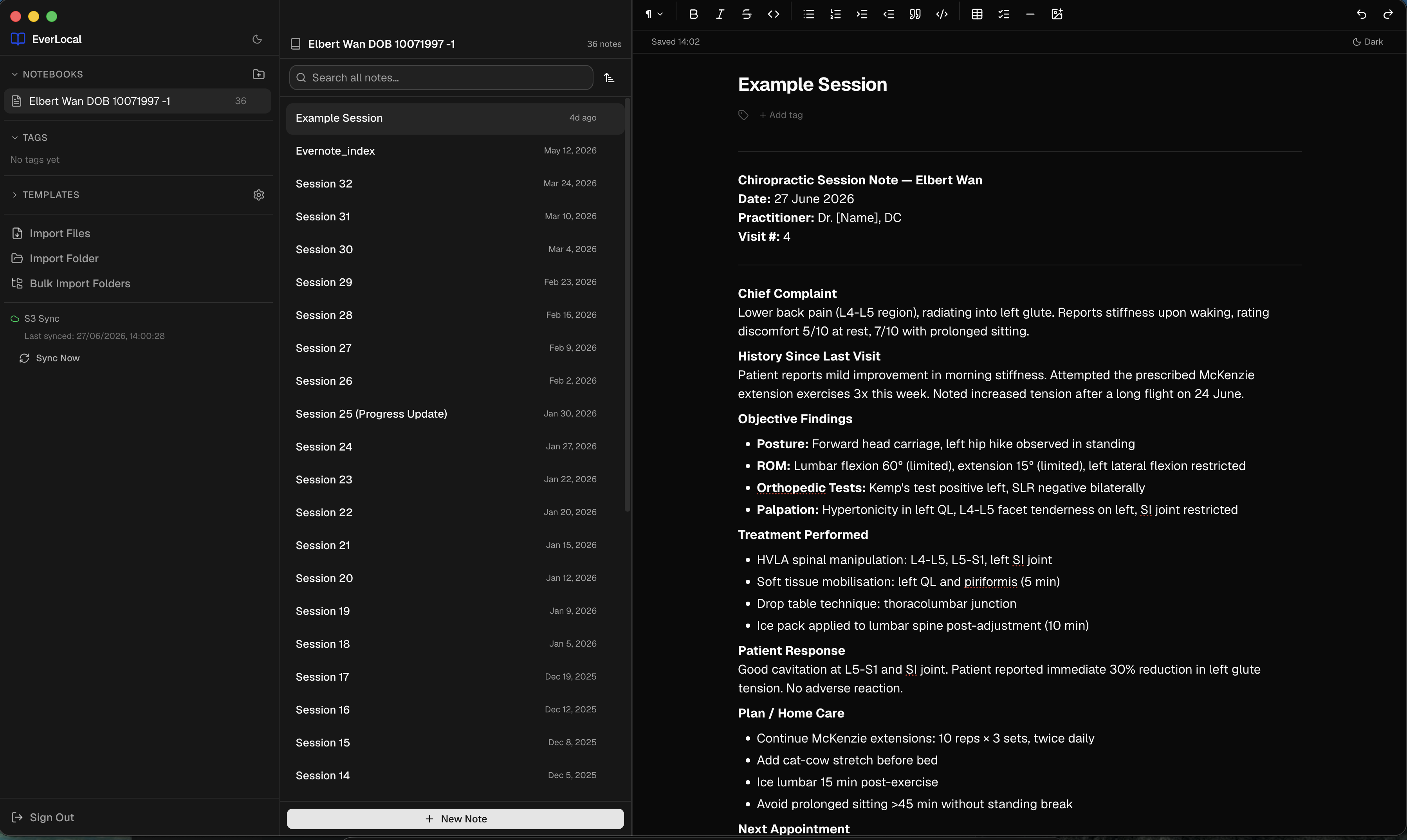
Three-Panel Layout
Classic Evernote-style UI: collapsible notebooks sidebar, note list pane, and a full rich-text editor — all in one resizable window via react-resizable-panels.
Command Palette (Cmd+P)
Fuzzy-search command palette powered by cmdk — New Note, Save, Search, Backup Now, Toggle Theme, Delete Note, and more without lifting your hands from the keyboard.
Keyboard Shortcuts
Cmd+N new note · Cmd+F search · Cmd+P command palette · Cmd+S save — plus all standard rich-text shortcuts.
Dark / Light / System Theme
Three-way theme toggle that cycles Light → Dark → System (follows macOS appearance). Preference is persisted across sessions.
Editing
Rich Text Editing (TipTap)
Bold, italic, headings H1–H6, tables with full row/column management, checklists, code blocks, drag-and-drop image insertion, smart typography, and an inline tag bar — all without leaving the editor.
PDF Viewing
Notes with PDF attachments render an inline PDF viewer — no need to open an external application.
Image Lightbox
Clicking any image in a note opens a full-screen lightbox view.
Storage & Organisation
Local-First Plain-File Storage
Notes are stored as standard Markdown files with YAML frontmatter in ~/EverLocal/notebooks/. Any note can be opened and edited in any text editor outside the app — no proprietary formats.
Notebook Management
Create, rename, and delete notebooks from the sidebar. Note count is shown per notebook. Notebooks expand/collapse in the tree.
Tag Management
Tags are stored in note frontmatter. The sidebar shows a global tag list; clicking a tag filters the note list. Tags can be added or removed inline from the editor.
Templates
Four built-in templates — Meeting Notes, Daily Journal, Cornell Notes, Project Plan — plus user-created custom templates. Template picker appears in the sidebar when creating a new note.
Search
Full-Text Search
Powered by MiniSearch with fuzzy matching, prefix search, boosted title relevance, inline snippet extraction, and cross-field search across title, body, tags, and notebook name. Index is persisted and rebuilt on startup.
Sync & Cloud
Cloud Sync (AWS S3)
Full bi-directional sync: push on every save, pull every 10 minutes with up to 8 concurrent requests, offline queue retried every 10 seconds, ETag-based change detection so only changed files download, and full startup reconciliation before the UI loads.
Conflict Resolution UI
When both local and remote changed simultaneously, a .conflict copy is saved and a dialog surfaces — Keep Local, Keep Remote, or Keep Both.
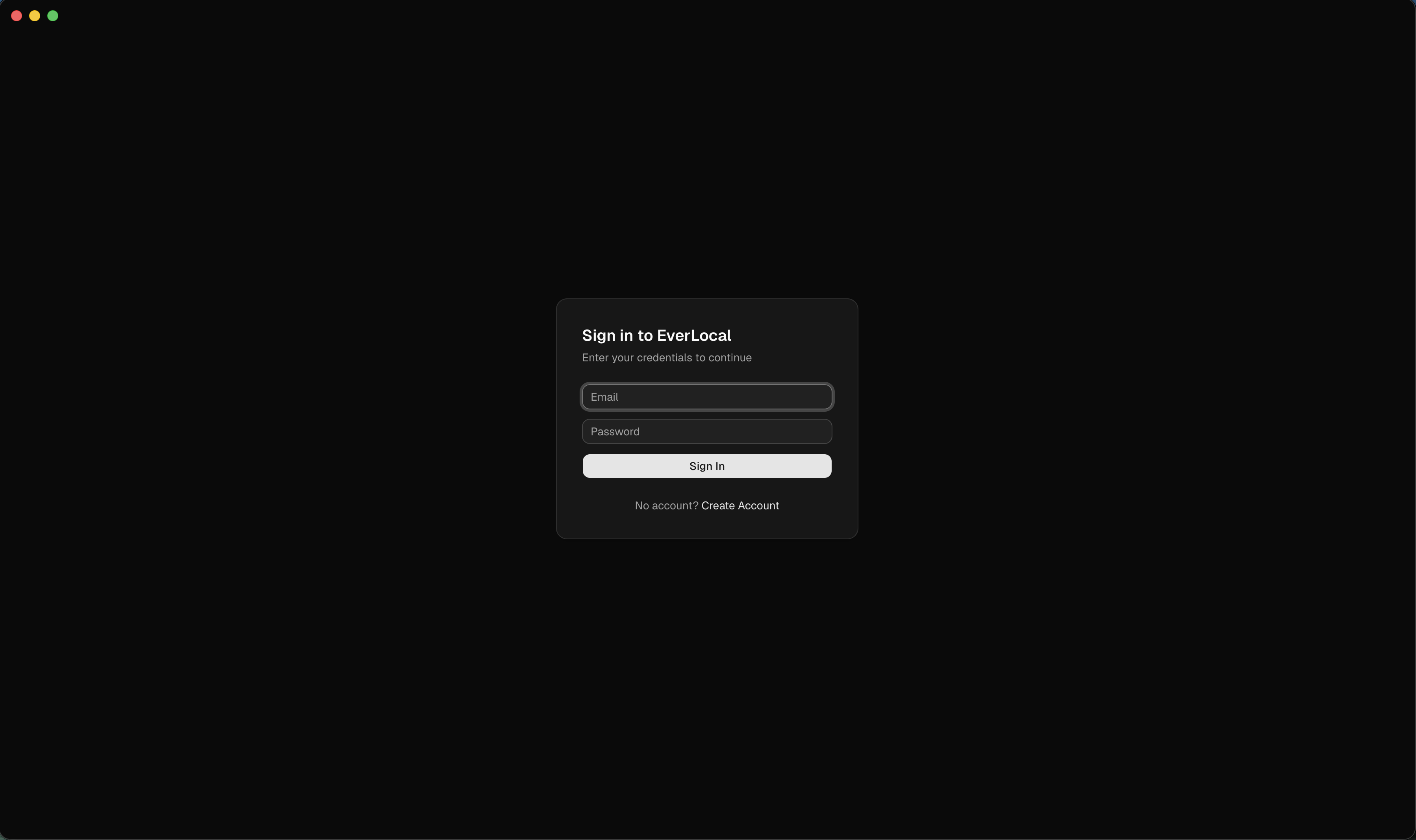
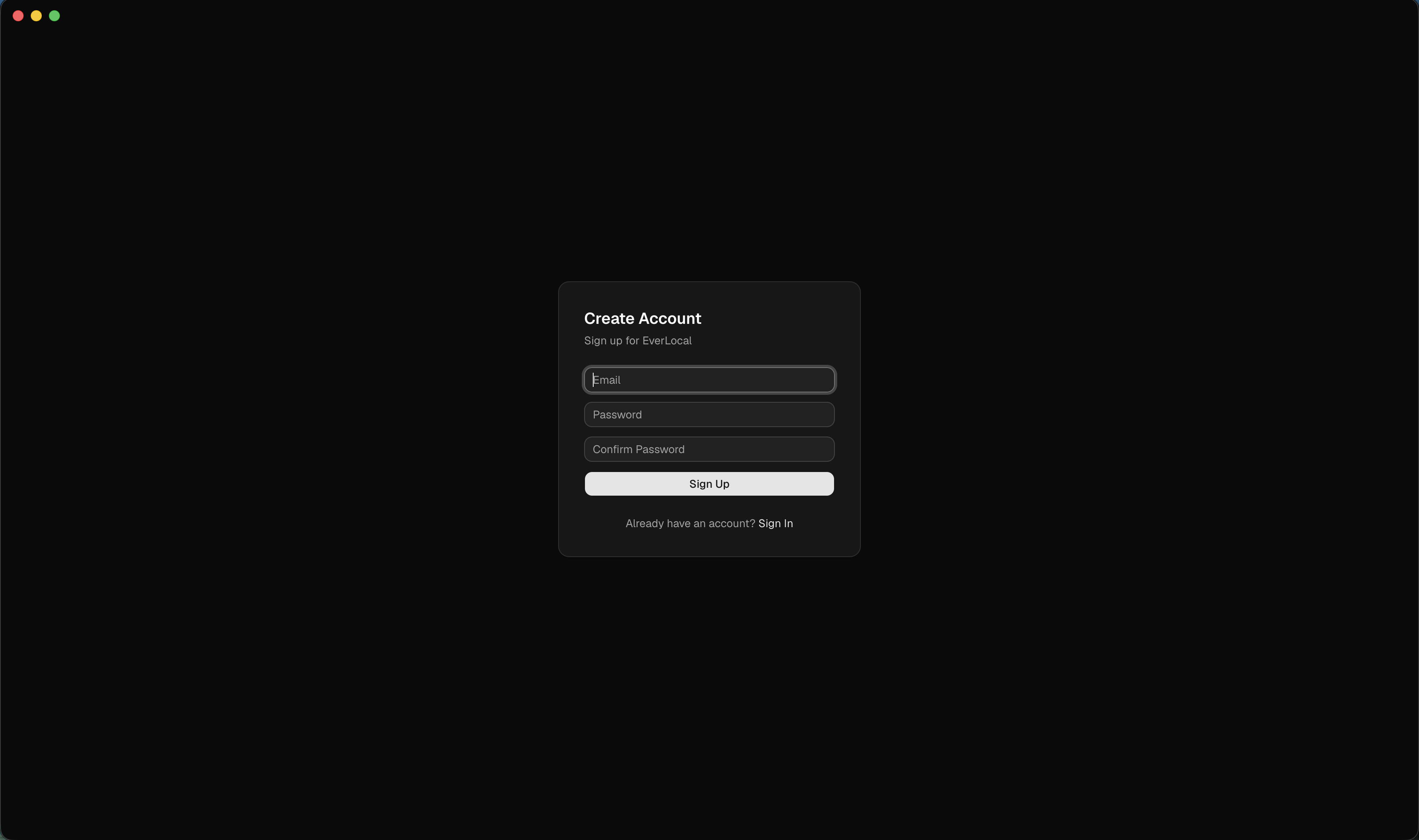
Authentication (AWS Cognito)
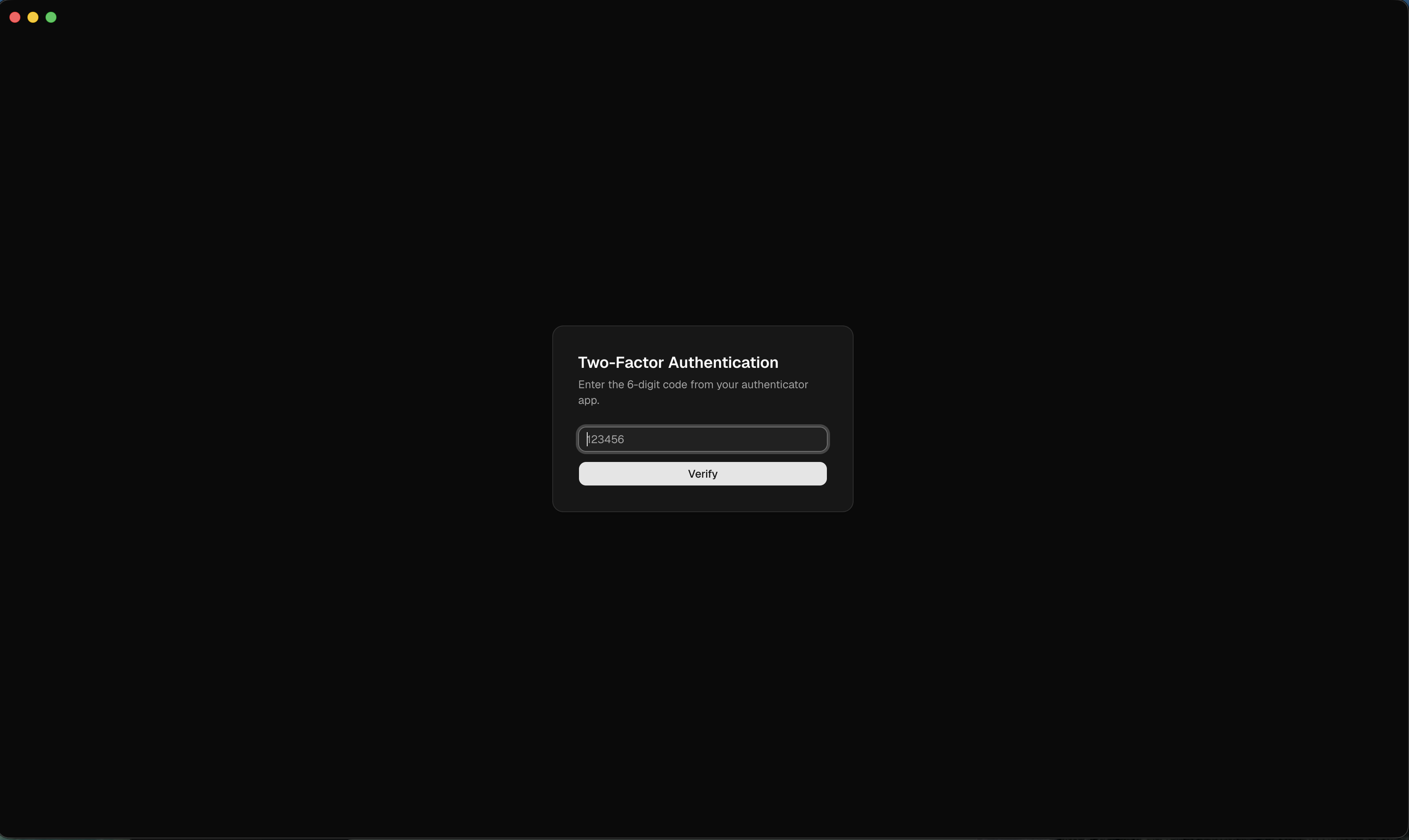
Email/password sign-up with verification code, JWT tokens, TOTP-based MFA via QR code, automatic token refresh, tokens encrypted at rest using Electron's safeStorage (OS keychain-backed), and global sign-out.
Data Migration & Distribution
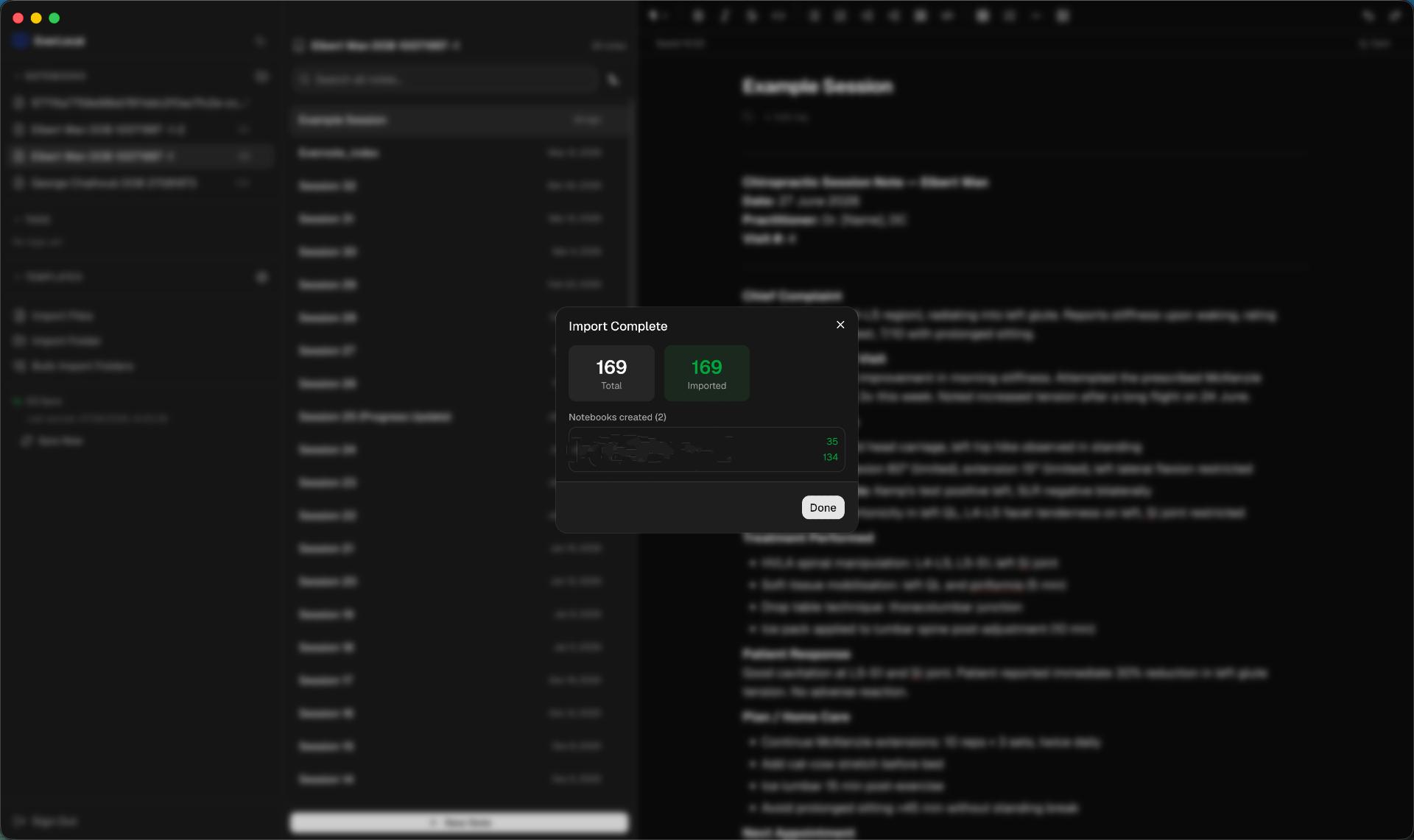
Evernote Import (.enex)
Parses Evernote export files with xml2js, converts HTML to Markdown via Turndown + GFM plugin, preserves attachments as local asset files, and handles iCloud Drive 'Optimize Storage' stubs by forcing materialization via brctl download.
Legacy Data Migration
Detects pre-cloud local-only EverLocal data and offers a guided one-time migration to upload it to the user's S3-backed account.
Auto-Updates
Ships with electron-updater for automatic in-app update delivery from releases — no manual download required.
macOS Native Distribution
Packaged as a .dmg (arm64) for Apple Silicon Macs.
Implementation & Feedback Cycle
Development ran as a structured weekly demo cycle. At the end of each week, the client reviewed a working build and gave direct feedback. That feedback was triaged into three buckets:
Must have (now)
Blocks the client from switching away from Evernote. Goes into the next sprint.
Should have (soon)
Improves the workflow materially. Scheduled for the following two-week window.
Nice to have (later)
Good ideas that don't block launch. Logged for a future release.
This process kept scope honest. Features like conflict resolution and TOTP MFA were pulled forward because the client flagged patient data handling as non-negotiable early. The web clipper and calendar integrations never made it in — because the client confirmed, week after week, that he had never once used them in Evernote.
By week eight, the client was fully migrated: all existing Evernote data imported via the .enex pipeline, the app running on his primary Mac and his clinic laptop, and the legacy data migration from his local-only EverLocal beta completed. The result is a fully functioning notes system moulded precisely to his business — nothing more, nothing less.
The Solution
Everlocalis an Electron desktop application for macOS — a native .dmg for Apple Silicon — that gives a chiropractic clinic everything Evernote provided, and nothing it didn’t need. Notes are stored as plain Markdown files the client owns outright. Sync runs through a private AWS S3 bucket. Auth is handled by AWS Cognito with TOTP-based MFA. The total monthly infrastructure bill is under $5.
No subscription. No licence fees. No vendor that can re-price the product. Just software built to specification, running indefinitely at near-zero cost.
Outcomes
- Delivered in 60 days from brief to fully migrated live platform
- Complete one-click Evernote import — notebooks, tags, and rich-text formatting preserved
- PDF and image attachment support built in from day one
- Cross-device sync via secure AWS S3 bucket — data accessible anywhere, owned outright
- AWS Cognito 2FA authentication for patient data security
- Chiropractic-specific templates: SOAP notes, patient-linked notebooks, appointment tags
- ~$250,000+ in enterprise development costs avoided vs a commissioned equivalent build
- Ongoing running cost under $5/month — AWS S3 storage and Cognito auth only, no licence fees
What this means for your business
If your business is paying for software that no longer fits — or worse, is locked into a vendor that keeps raising prices — we can build or migrate you to something you own.
Talk to us about your software stack